Install Pando on macOS, Linux and Windows
Pando installed and answering on your machine in a couple of minutes.
Installing Pando is like planting a seed: one small file goes into the ground and everything else grows from it. Pick the way you like best. You only need an internet connection.
Pick your way in
There are two roads and both end in the same place:
- Download the installer if you like to click. Best for macOS and Windows.
- Run the install script if you are comfortable pasting one line into a terminal. Best for Linux, and for updating later.
Download a release
Open the latest release on GitHub and take the file for your computer:
| Your computer | File |
|---|---|
| Mac with Apple chip (M1 or newer) | pando-<version>-darwin-arm64.pkg |
| Mac with Intel chip | pando-<version>-darwin-x64.pkg |
| Linux, regular PC | pando-linux-x64.zip |
| Linux, ARM | pando-linux-arm64.zip |
| Windows | pando-windows-x64.zip |
Then:
- macOS: open the
.pkgand follow the installer. You get Pando in Applications and thepandocommand in the terminal. The package is signed, so macOS opens it without complaints. - Windows: unzip and run
pando.exe. It is signed too. - Linux: unzip, then move
pandoto a folder your terminal knows, for example~/.local/bin/, and make it executable.
Or use the install script
On Linux and macOS, paste this in a terminal:
curl -fsSL https://raw.githubusercontent.com/digiogithub/pando/main/scripts/install.sh | bashThe script looks at your machine, downloads the right file, checks it has not been tampered with and puts it in place. On Linux it also adds Pando to your applications menu and installs the two system libraries the desktop window needs; it asks for your password only if something is missing.
On Windows, in PowerShell:
iex (irm https://raw.githubusercontent.com/digiogithub/pando/main/scripts/install-windows.ps1)Run the same line again whenever you want to update.
Fine-tune the script (optional)
Most people can skip this step. If you need something special, add an option after bash -s --:
| Option | What it does |
|---|---|
--version v1.2.7 | Installs that version instead of the newest |
--dir <path> | Puts the program somewhere other than ~/.local/bin |
--no-desktop | Linux: only the command, no menu entry and no system libraries. Good for servers |
--cli-only | macOS: only the pando command, no application |
--force | Reinstalls the version you already have |
curl -fsSL https://raw.githubusercontent.com/digiogithub/pando/main/scripts/install.sh | bash -s -- --no-desktopEach option also exists as a variable (PANDO_VERSION, PANDO_INSTALL_DIR, PANDO_NO_DESKTOP=1, PANDO_CLI_ONLY=1, PANDO_FORCE=1). On Windows the script accepts -Version v1.2.7.
Check it works
Open a new terminal and ask Pando who it is:
pando -vYou should see a version number. Now open the application from your menu, Dock or Start menu, or type pando desktop. A Pando window appears and, the first time, a setup assistant says hello.
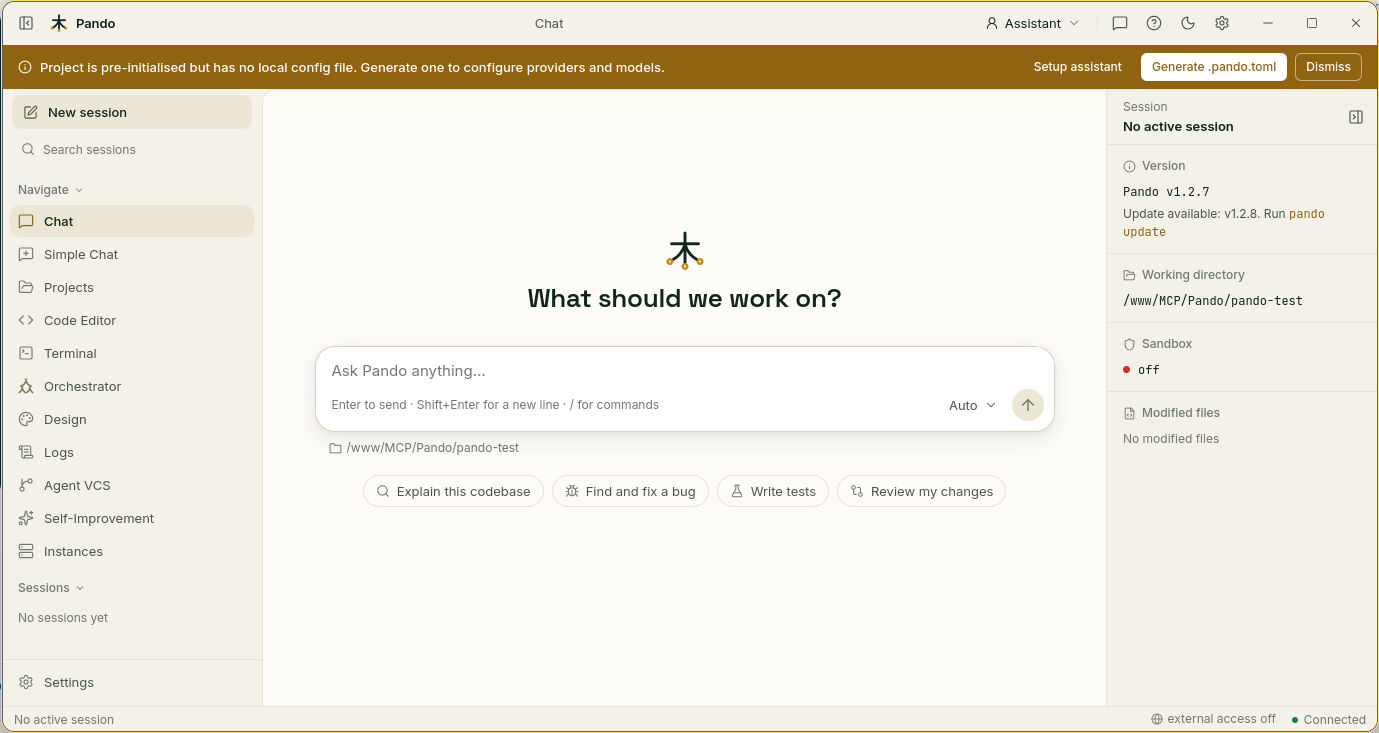
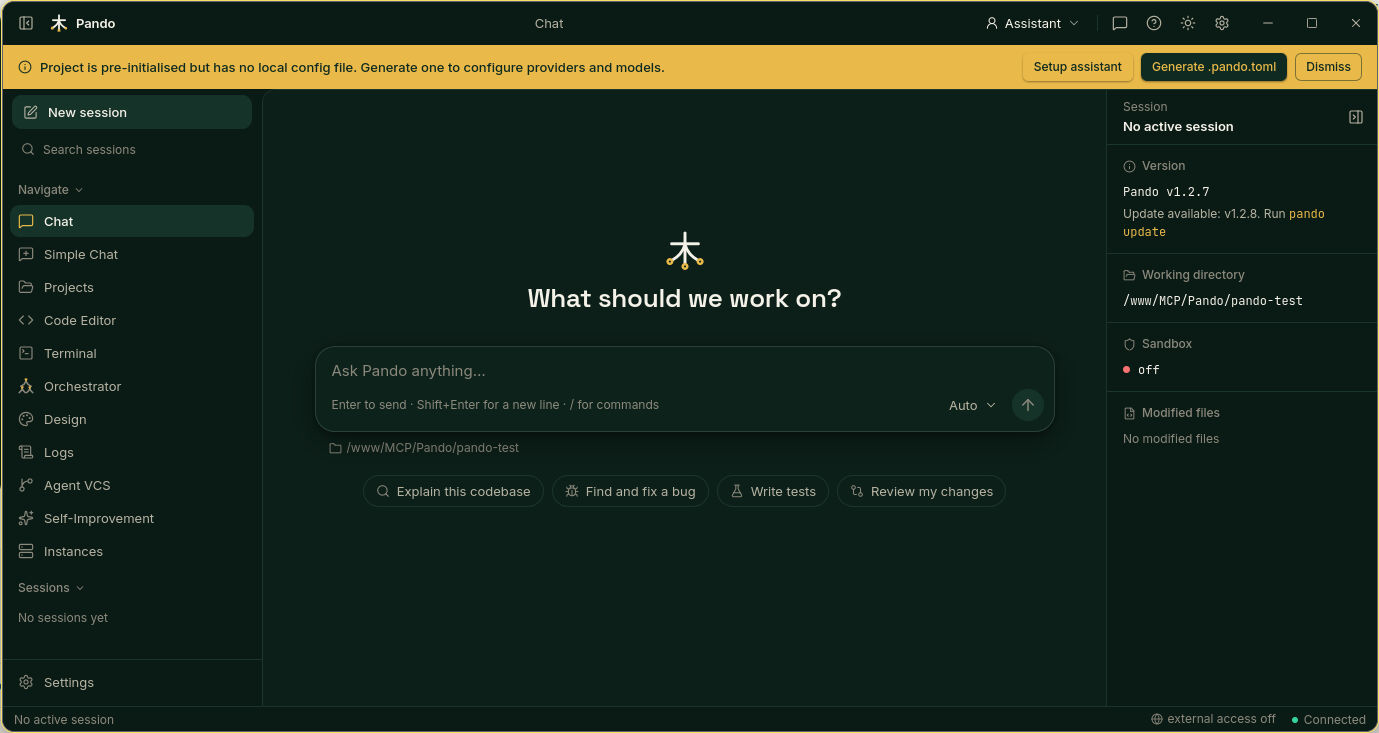
Next stop: connect your AI accounts and pick models.
If something goes wrong
| What you see | What to do |
|---|---|
pando: command not found | Close the terminal and open a new one. If it persists, the install folder is not in your PATH: run the script again, it adds it |
| On Linux the window does not open and Pando names a missing library | Run the command Pando shows you, or run the install script again without --no-desktop |
| “There is no display” over SSH | There is no screen to draw a window on. Start pando app and open the address in a browser instead |
| The script warns about a missing checksum | You asked for an old version published before checksums existed. It still installs |
| Windows on ARM | The script installs the regular build, which runs fine there |
Prefer to build it yourself?
For contributors. You need Go and Bun:
git clone https://github.com/digiogithub/pando.git
cd pando
make build            # command only
make build-desktop    # with the desktop window
go install github.com/digiogithub/pando@latest also works, without the desktop window. More about what each installer contains: Cross-Platform Installers.