Design pages and slide decks with Design Studio
A landing page or a slide deck designed by Pando, previewed live and exported.
Design Studio turns Pando into a designer sitting next to you: you describe what you want, it draws, looks at its own drawing with a critical eye, and redraws until it is good. This guide makes one page from start to export. You need Pando open in the Web UI or desktop app (the same interface) and a project folder. There is nothing to switch on.
Open the Design page
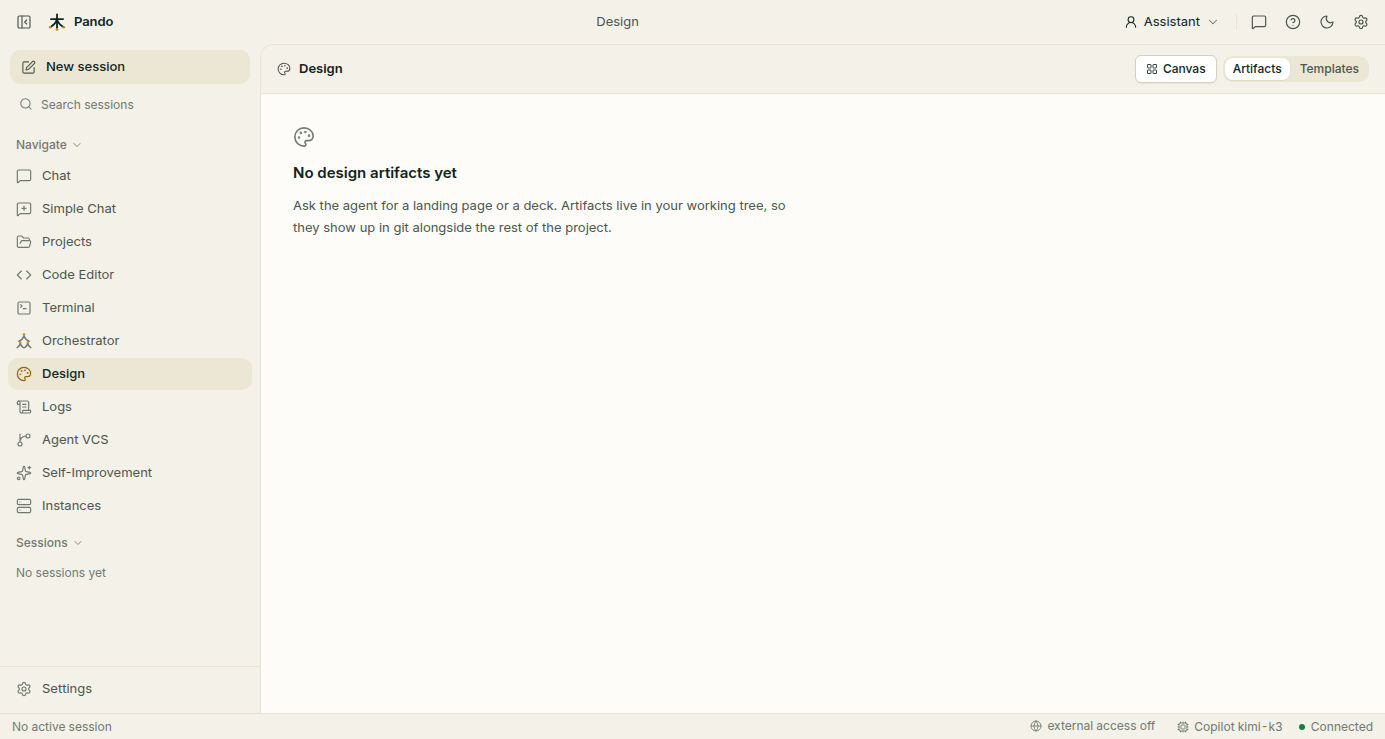
Click Design in the left menu. Three buttons at the top right change the view:
- Canvas: the design you are working on, drawn live.
- Artifacts: every design in this project. A design is called an artifact: a small folder with a web page inside.
- Templates: starting points.
Start from a template
Open Templates. Each card is a recipe: what to build, in what order and what to avoid. There are recipes for a landing page, a dashboard, a report, an e-mail, a slide deck and more.
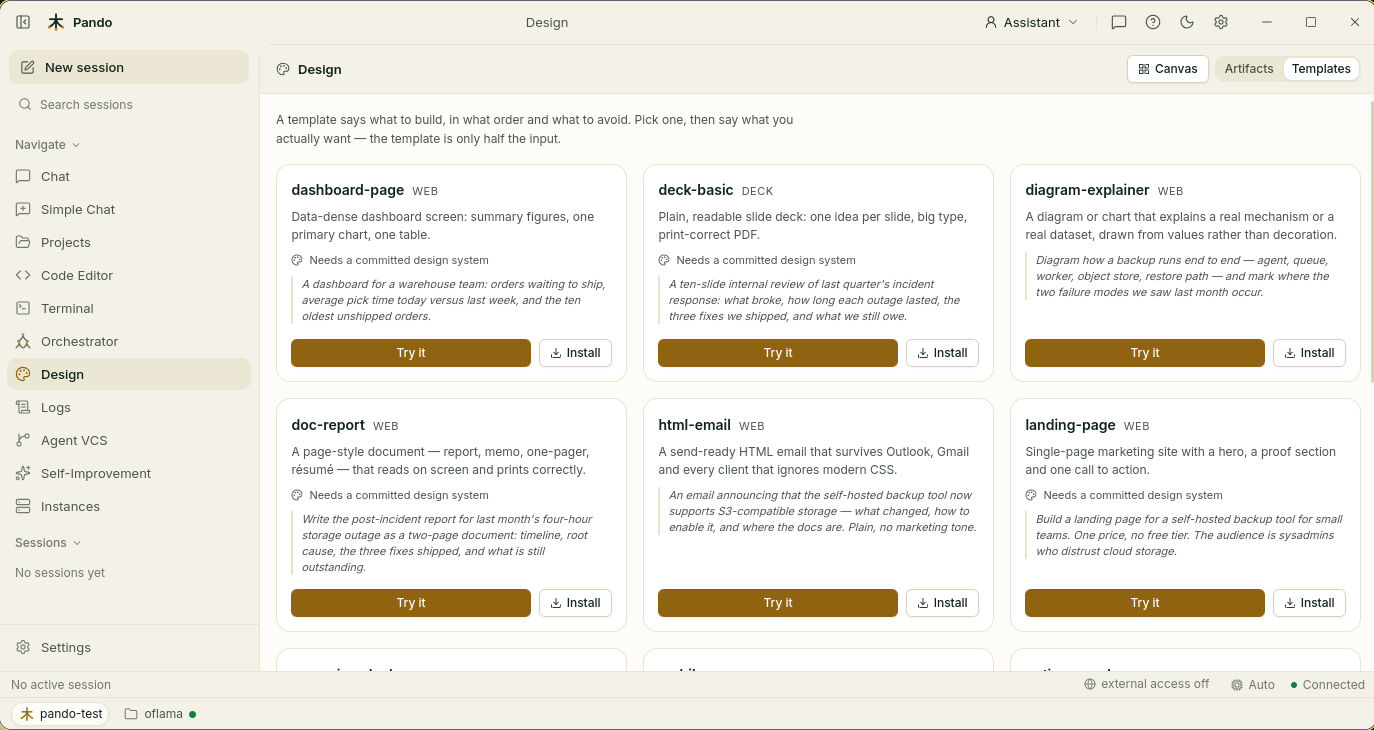
Press Try it on a card. Pando opens a chat with a sample request already written; change it to say what you want and send it. A template is only half the input: the other half is your description.
Install copies the template into your project’s skills folder, so it is always at hand and you can edit the recipe itself.
Or just ask
Templates are optional. In any chat, describe the design:
Design a landing page for my command-line tool: dark, aimed at developers,
with a headline, three feature cards and a pricing table.
Watch it being built
The preview opens by itself and refreshes every time Pando changes something. Behind the scenes Pando also takes a picture of the result and grades it: is the text readable, is the spacing even, does it look generic? If the grade is low, it tries again before showing you.
Ask for changes
Keep talking, as you would to a designer:
Make the headline area less busy and give the buttons more contrast.Each accepted round is saved as a version, so you can always go back to an earlier one.
Give all your designs the same look
A design system is the brand’s wardrobe: the colours, fonts and spacing every design must wear. Open Settings > Design system.
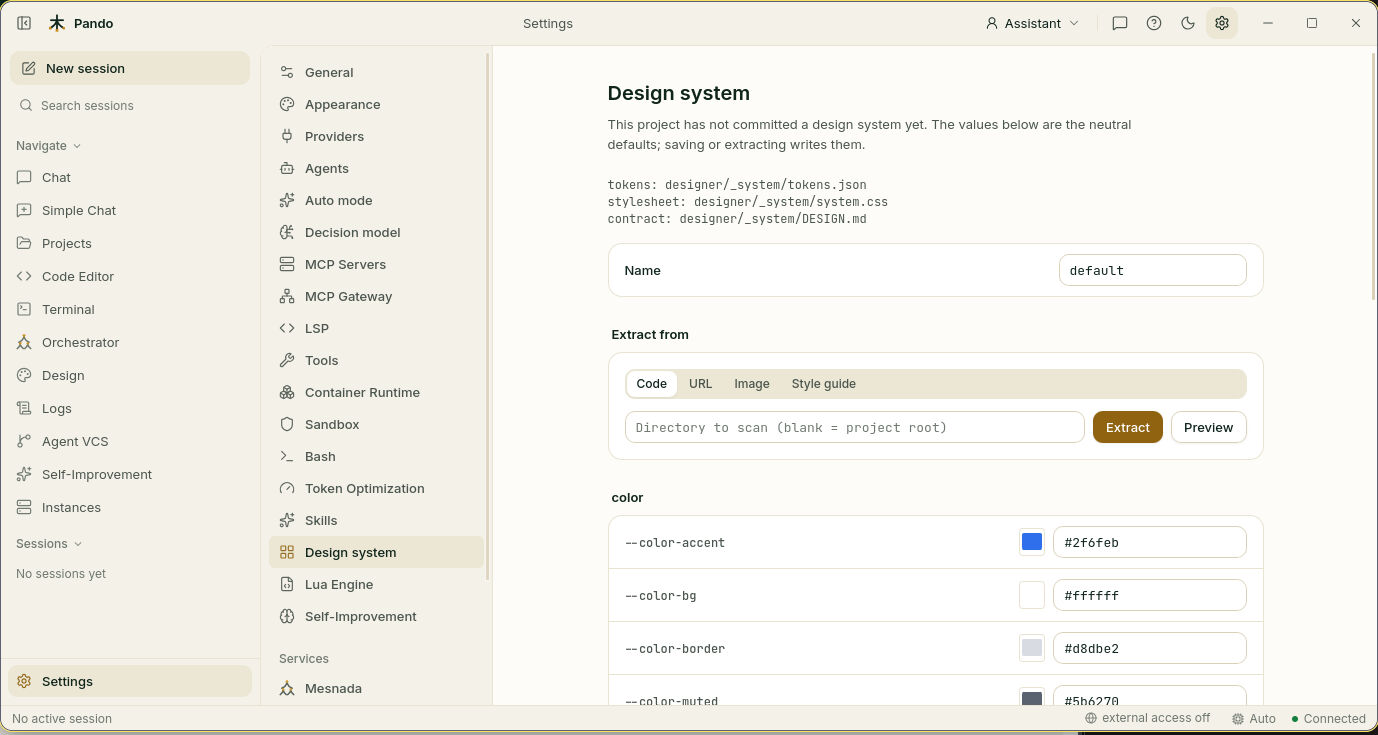
You can type the values by hand, or let Pando copy a look that already exists. Under Extract from, choose:
- Code: your own project’s styles.
- URL: a live web page.
- Image: a screenshot or a logo (colours only).
- Style guide: a written brand guide.
Press Preview to see what it would take, then Extract to apply it. Some templates say Needs a committed design system: for those, do this step first.
Take it with you
Designs are ordinary files inside your project, in the designer/ folder, so you can commit them and open them with any tool. To export one as a single file, use the terminal:
pando design export landing --format html --out /tmp/landing.html
pando design export deck --format pdf --landscape
pando design export landing --format png --full-page
Show it to someone
The preview is served by Pando itself. Turn on external access in the bottom bar and the preview address works from a phone or a colleague’s computer on your network, behind your username and password. See Remote access.
Check it works
- Artifacts lists your design.
- The Canvas shows it and updates when you ask for a change.
- Your project has a new
designer/<name>/folder with anindex.htmlinside.
If something goes wrong
| What you see | What to do |
|---|---|
| “No design artifacts yet” | Nothing has been designed in this project. Ask for one, or use Try it on a template |
| A template says it needs a design system | Open Settings > Design system, set or extract one and Save |
| The preview is empty inside a project tab | Previews do not work inside workspace tabs. Open the project in its own window |
| Every design looks different | They are not sharing the design system. Run pando design system apply <name> |
Prefer the terminal?
pando design create "Landing page"     # make the folder first, so you can commit it
pando design list                      # every design in the project
pando design open                      # preview the most recent one
pando design versions landing          # history of a design
pando design critique landing          # run the quality check yourself
pando design skills                    # list templates
All commands, the quality-check settings and the folder names are in the reference. What Design Studio is and when to use it: Design Studio.