Web-UI & PWA
The Web UI is Pando in a browser tab. Everything Pando can do is there, with buttons instead of commands, on any device that has a browser: your desktop, a laptop, a tablet, your phone. If Pando were a car, this would be the dashboard: the engine is the same, but now you can see the dials.
What it does for you
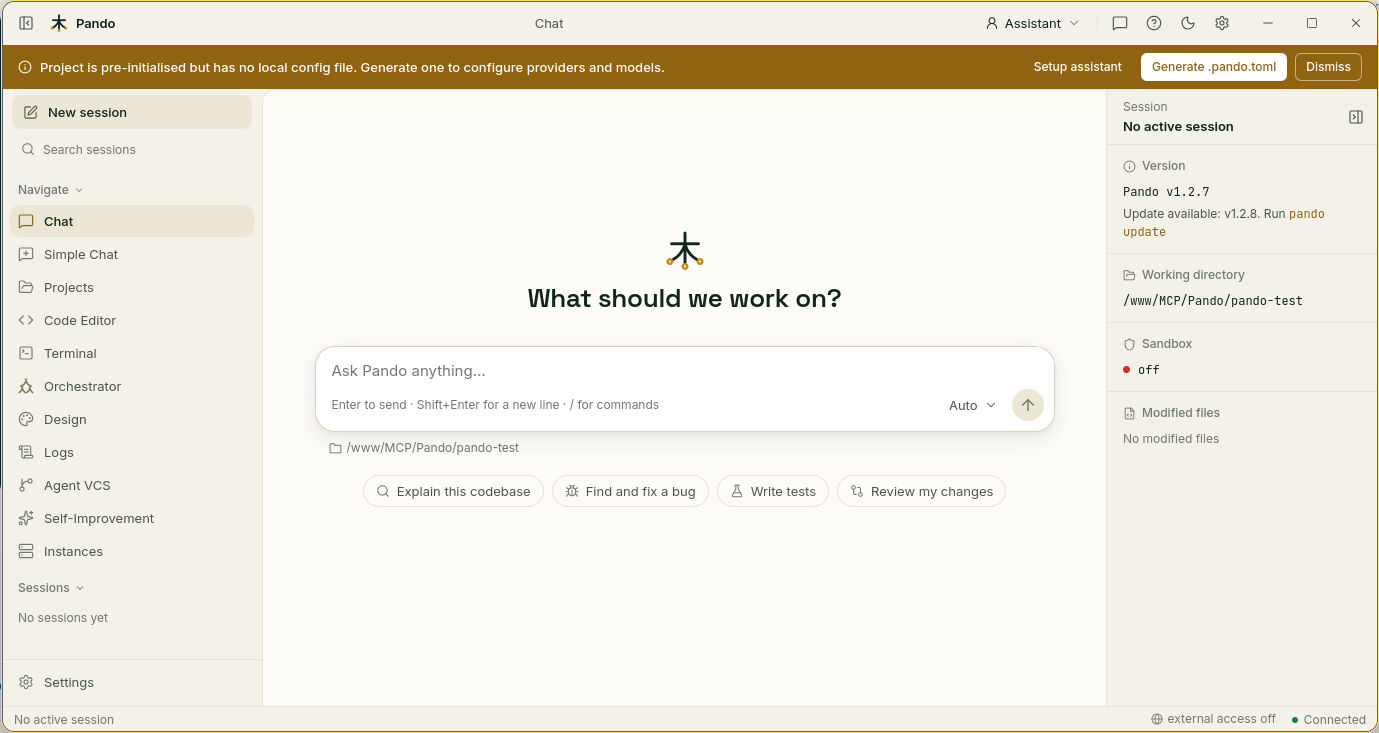
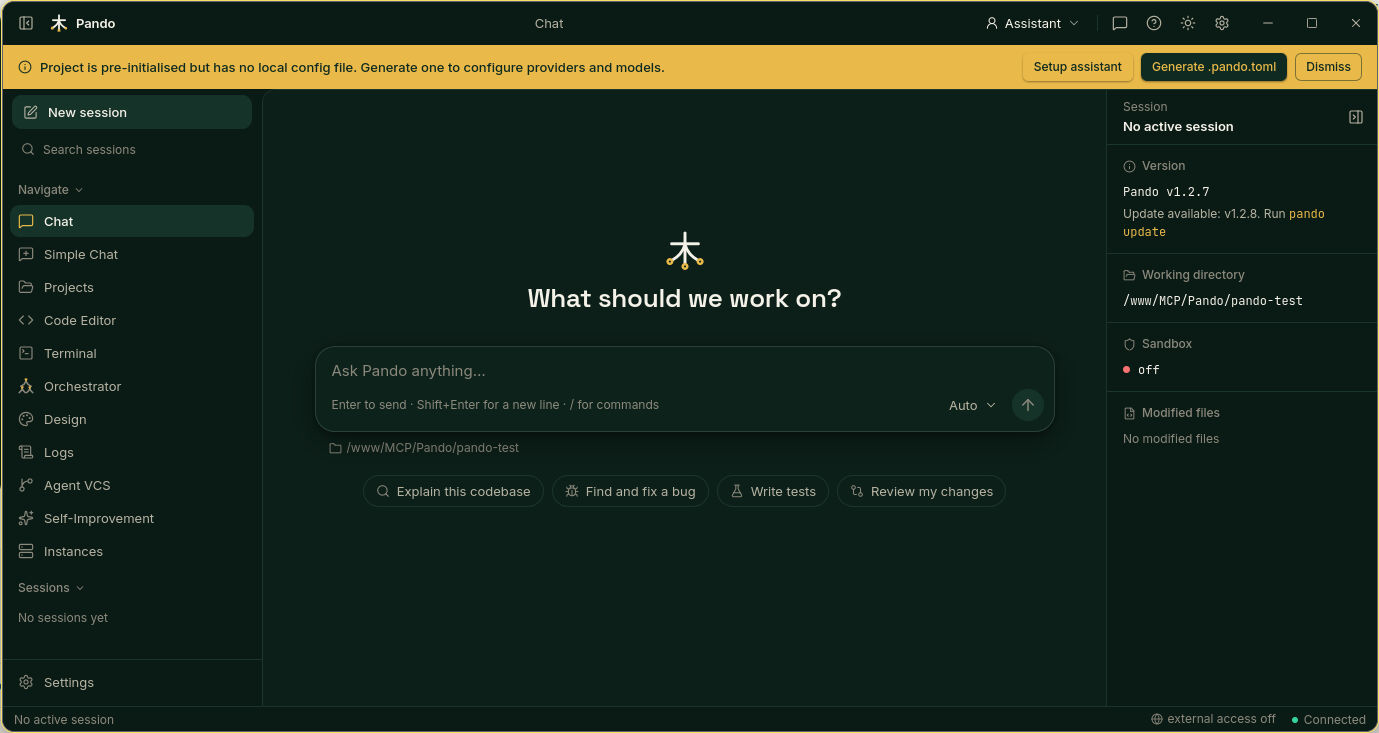
- A conversation with context. The chat sits in the middle; your past sessions wait on the left; a fact sheet on the right tells you which folder Pando is working on, which files it changed and which version you run.
- Your project at hand. Open files with colours for code in several tabs, edit them, and use a real terminal, all in the same window.
- Settings you can see. Providers, models, tools, memory and safety are forms with switches, not a text file.
- Rooms for the bigger features. Projects, the orchestrator for helper agents, the Design page, the history of changes, logs, running instances.
- Your language and your colours. Seven interface languages; light, dark or automatic mode; four colour themes; adjustable text size.
- Two levels of detail. A full view with every panel, and a simple chat with only the conversation.
- Install it like an app. Your browser can add it to the home screen or the app list with its own icon. That is what PWA means.
How it feels in practice
You open the address, pick a session or start one, and write. While Pando works you see what it is doing, step by step. If it needs a decision it shows a card with choices. If you want a different model for this conversation, you change it next to the send button and carry on, no reload.
Lose the network for a moment, on a train say, and the page reconnects by itself and puts your chat back as it was. Leave a settings page with unsaved changes and Pando asks before throwing them away.
The same screens work on a phone: the columns fold into menus and the chat takes the whole width.
When to use it
- You like to see and click.
- You want to reach Pando from another device.
- You are showing Pando to someone who does not use a terminal.
The desktop app is this same interface in its own window with system notifications. The Terminal UI is the keyboard-only sibling.
Good to know
- Out of the box the Web UI answers only to the computer it runs on. Opening it to your network is a deliberate step, protected by username and password: see WebUI Access.
- The connection is encrypted with a certificate Pando makes itself, so the first visit shows a browser warning. Auto HTTPS Certificates explains it.
- With nothing configured, the first thing you see is the setup assistant.
- Each project can open as a tab at the bottom: Project Workspaces.
Next steps
- Guides: Find your way around the Web UI, Connect your AI accounts, Remote access.
- Reference: start commands, server options and API.
- Related: Design Studio, Model Auto Mode, Self-Update.