Self-Update
Pando changes its own light bulb. One command fetches the newest release and swaps it in; you do not download installers or hunt for the right file.
pando updateWhat it does for you
- Always the right file. Pando picks the release that matches your operating system and processor.
- No half-finished updates. The swap happens in one step: either the new version is fully in place or the old one stays.
- A way back. Name an older version and Pando returns to it, which is handy when an update does not suit you.
- You are told when there is something new, wherever you use Pando.
How it feels in practice
When a newer release exists, you see it without looking for it:
- In the Web UI and desktop app, the chat info panel and Settings > General > Diagnostics show your version and the newer one.
- In the terminal, Pando prints a short notice when it starts.
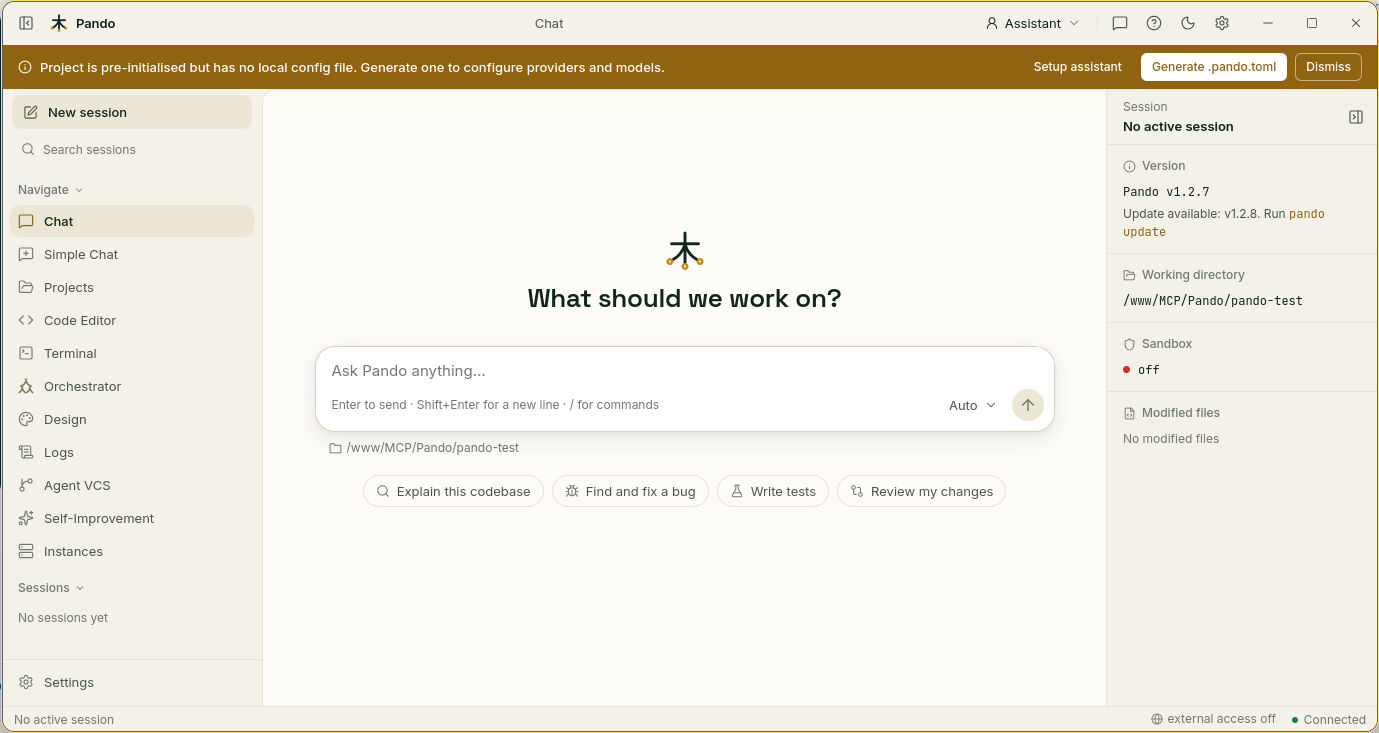
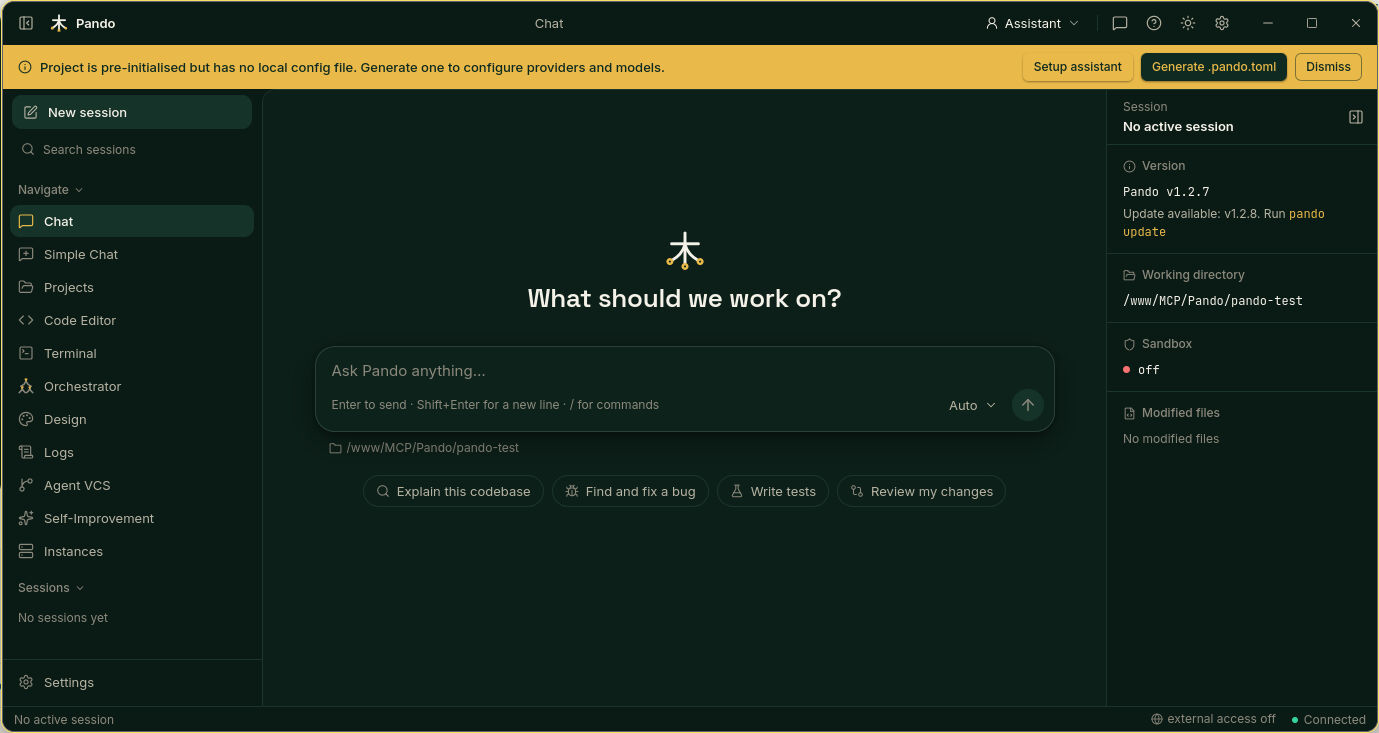
Run the command and Pando says what it is about to do: Installing, Downgrading or Reinstalling. You can do it while Pando is open; the new version is used the next time you start it.
When to use it
Whenever the notice appears. Use a specific version to go back after an update that causes trouble, or to reinstall the one you have.
Good to know
- You need permission to write in the folder where the
pandoprogram lives. - On macOS, if you installed with the
.pkg, updatePando.appwith a new.pkg. - Pando only checks and tells you. It never updates by itself.
Next steps
- Step by step, including going back a version: Update and diagnostics
- All commands: Diagnostics and maintenance reference
- First install: Cross-Platform Installers