Project workspaces
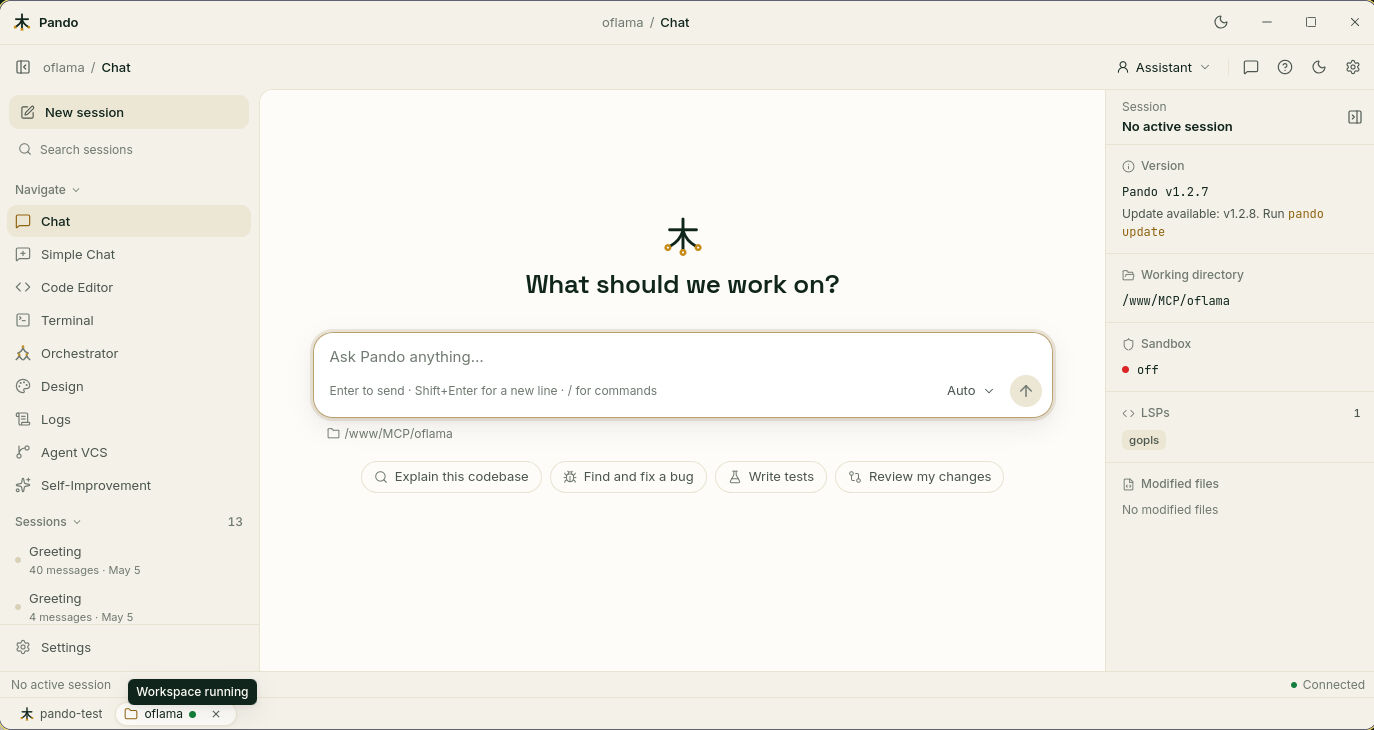
Project workspaces let you keep several projects open inside one Pando, each in its own tab at the bottom of the window. Think of browser tabs, except that each tab holds a whole Pando pointed at a different folder: its own chat, sessions, files and terminal.
What it does for you
- No more juggling windows. The website, the API and the mobile app you are working on sit side by side as tabs.
- Nothing is lost when you switch. A tab keeps running while you are elsewhere: the terminal stays mid-command, the conversation stays where it was.
- Instant return. Closing a tab can leave its workspace running in the background, so reopening is immediate. Or you can switch it off completely when you are done.
- Tabs that survive a reload. Refresh the page and they come back.
- Shared with your helpers. When Pando hands work on a project to helper agents and that project already has a workspace running, the helpers use it instead of starting a second copy.
How it feels in practice
You open Projects, click a row and a new tab appears at the bottom with a green dot when it is ready. From then on you move between the main tab and the project tabs with a click or a keyboard shortcut. The Projects list shows at a glance which workspaces are running and which are stopped.
In the desktop app the tabs stay inside the main window: one window, one tray icon. If you would rather have a project in a separate window, there is an action for that too.
When to use it
- You work on two or more related projects in the same day.
- You want a long job running in one project while you chat in another.
- You delegate work across projects.
For a single project you do not need tabs: just open Pando in that folder.
Good to know
Each tab is a private room that only the main Pando can enter:
- A project tab answers only to your own machine, never directly to the network. The main Pando is the single front door, with its usual lock.
- The pass that lets the main Pando talk to a tab never reaches your browser.
- A tab stops when the main Pando closes, and starts again the next time you open it.
- There is a limit on how many workspaces run at once (six by default), so a forgotten pile of tabs cannot eat your memory.
- Design previews do not show inside a project tab. Open the project in its own window for those.
Next steps
- Guide: Work on several projects with workspace tabs.
- Reference:
[Projects]options, shortcuts and API. - Related: Agent Delegation, Native Desktop App.